Best Streaming APKs for
Android, Firestick & Smart TV
Latest Download & Install Guide
Streaming apps not working? This guide covers the best APKs like Cinema, Stremio, BeeTV, and Nova TV — with download links, setup steps, and real fixes for buffering, errors, and playback issues.
Use Cinema APK (or BeeTV/Nova TV) as your primary app and keep 2 backups. On Firestick, enable Developer Options → Downloader → paste APK URL. Use Real-Debrid for higher-quality links.
Streaming APKs Not Working? Fix Common Issues
Quick Fix: Most streaming issues are caused by weak sources or outdated apps. Use Real-Debrid, update your app, or switch to a backup APK.
- Buffering → Use Real-Debrid or lower quality
- No links found → Update app or switch APK
- Playback error → Use MX Player or VLC
- App not installing → Enable Unknown Sources
What Are Streaming APKs?
Streaming APKs are Android applications that let you watch movies and TV shows by pulling links from different online sources.
Unlike Netflix or Amazon Prime, these apps don’t host content themselves. Instead, they act as a search engine + player combined.
Streaming APKs are third-party apps that aggregate video links and allow you to stream content on Android-based devices.
- Don’t require monthly subscriptions
- Work on Firestick and Smart TVs
- Offer more flexibility than traditional platforms
- Support HD and 4K streaming links
- Lightweight — run on low-end devices
Best Streaming APKs to Use in 2026
If you’re looking for a reliable streaming app, start with the Cinema APK Download & Install Guide — it’s the most popular option for Android users.
You can also explore alternatives like Nova TV APK for HD Streaming & Firestick and BeeTV APK Download for Android & Firestick depending on your device and streaming needs.
If you’re serious about this, don’t rely on just one app. That’s a rookie mistake.
Apps go down. Links fail. Updates break things.
You need a stack.
Pro tip: Install at least 2–3 apps from this list. When one fails or goes down, you switch instantly — no downtime, no frustration.
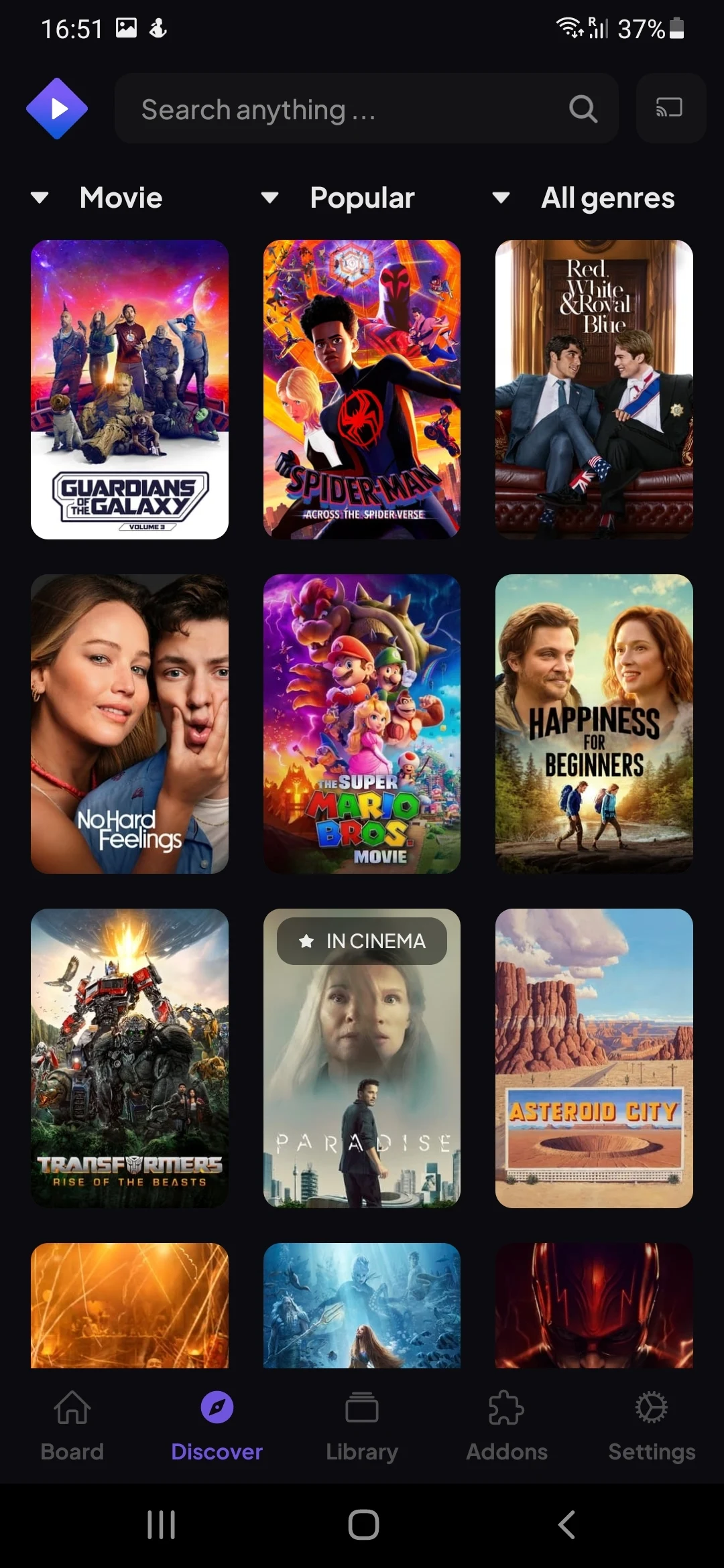
Cinema APK
Cinema APK is still one of the most widely used streaming apps. It’s simple, lightweight, and works on almost every Android device — a great starting point for anyone new to streaming APKs.
Get the latest version of Cinema APK here and follow our step-by-step install guide to set it up correctly. If the app stops working, check our Cinema APK error fixes to solve common issues quickly.
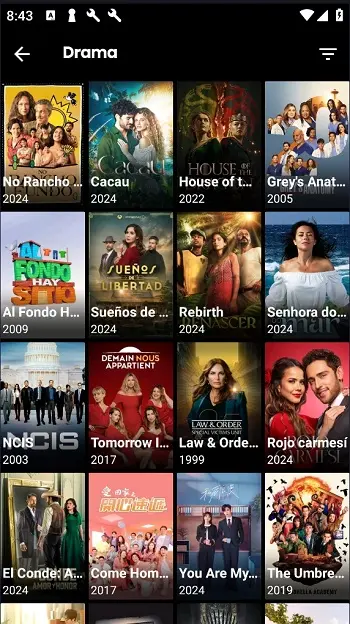
BeeTV
BeeTV is a solid alternative with fast scraping and consistent performance. It’s especially reliable on Firestick and handles low-end hardware without stuttering.
Download the latest BeeTV APK to unlock high-quality streaming, then use our complete BeeTV installation guide for Android, Firestick & TV setup to install it correctly and avoid common issues.
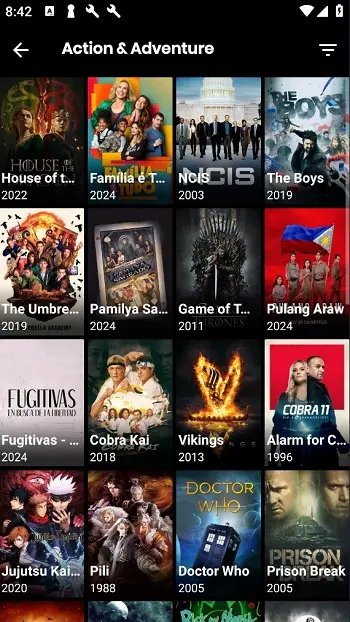
Nova TV
Nova TV focuses on speed and high-quality links. It’s a better choice if you hate buffering — especially when paired with a Real-Debrid account for premium link access.
Upgrade your streaming setup with the latest Nova TV APK update, and follow our complete Nova TV setup guide covering Firestick, Android, and TV devices to avoid buffering, crashes, and install issues.

FilmPlus
FilmPlus has evolved into one of the most reliable streaming apps available today, building on the foundation of older APK-based platforms but delivering a much more stable and refined experience. Unlike many similar apps that suffer from frequent downtime or broken links, FilmPlus is consistently updated to keep content sources fresh and working.
To get started, use our FilmPlus APK download, installation guide, and error fixes to install the latest version and ensure everything runs smoothly from the beginning.
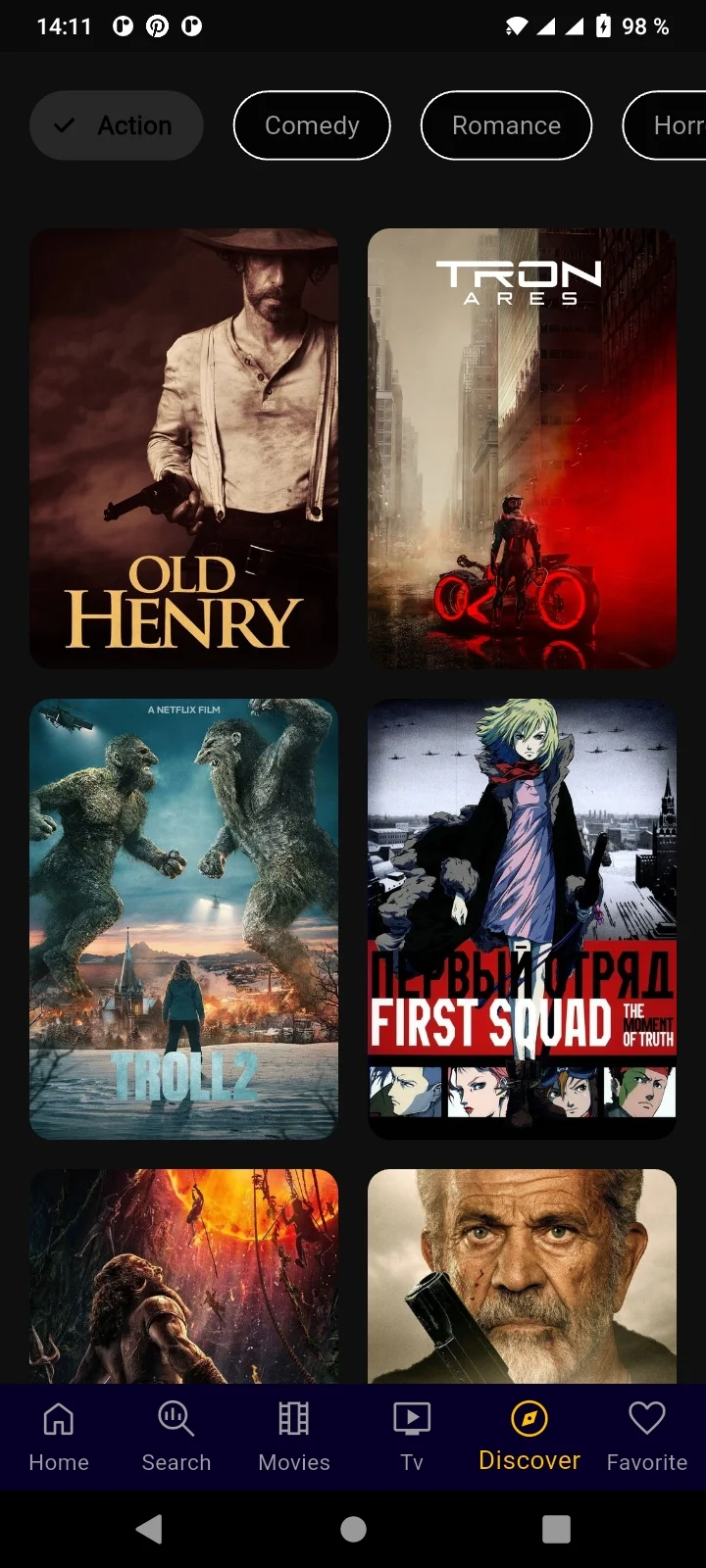
Stremio
Stremio is different. It’s more structured and can be used with legal add-ons. If you want something safer and more future-proof — less risk, more longevity — this is your move.
Set up everything in one place with the Stremio APK download, installation guide, and error fixes for Android, Firestick, and Smart TV users.
How to Choose the Right Streaming APK
Don’t just install everything blindly. Pick based on your actual usage.
Ask Yourself:
Quick Recommendations
| Your Situation | Best App | Why |
|---|---|---|
| Beginner | Cinema APK | Simple setup, clean interface |
| Low-power device | BeeTV | Lightweight, handles Firestick well |
| Best quality | Nova TV | Real-Debrid optimized, less buffering |
| Stable option | FilmPlus | Frequent updates, rarely crashes |
| Safer ecosystem | Stremio | Legal add-ons, future-proof |
How to Install Streaming APKs (General Method)
The process is almost identical for all apps. Here’s the quick breakdown for each platform.
- Go to Settings > Security
- Enable Unknown Sources
- Download the APK file
- Tap file to install
- Open the app
- Go to Settings > My Fire TV
- Open Developer Options
- Enable Unknown Sources
- Install the Downloader app
- Enter APK URL & install
- Transfer APK via USB
- Open File Manager on TV
- Locate the APK file
- Install APK
- Launch app
Each app guide on this site has a full step-by-step walkthrough with screenshots. Use these as a quick reference — visit the app’s specific page for the full guide.
Are Streaming APKs Safe?
Let’s be clear — this is where most people mess up.
They are not inherently dangerous, but they are not fully controlled environments either.
- Fake download sites with malware
- Broken or malicious streaming links
- Tracking or privacy concerns
- Unknown add-ons with hidden scripts
- Use trusted download sources only
- Avoid clicking random ads inside apps
- Don’t install unknown add-ons
- Keep all apps updated regularly
Reality check: If you treat these apps like official platforms, you’ll get burned. They require awareness and careful use — not blind trust.
Common Problems Across All Streaming APKs
No app is perfect. Here’s what you’ll face — and exactly how to fix it.
- Switch to a different server / link
- Use Real-Debrid for premium links
- Upgrade internet speed
- Refresh the content page
- Update app to latest version
- Switch to a different streaming app
- Clear app cache in Settings
- Reinstall the latest version
- Restart your device
- Change subtitle provider in settings
- Use an external player (VLC / MX)
- Check language settings in app
Smart Strategy (Most People Ignore This)
Here’s the difference between beginners and someone who actually knows what they’re doing.
- Install only one app
- Panic when it stops working
- Use default player settings
- Never update the app
- Keep 3–4 apps installed always
- Switch instantly when one fails
- Use external players for better quality
- Optimize settings & clear cache regularly
If you rely on one app, you’re setting yourself up to fail. Build a stack — it takes 10 minutes and saves hours of frustration.
Frequently Asked Questions
Still have questions? Browse the individual app guides on this site for detailed walkthroughs, screenshots, and troubleshooting tips.
Streaming APKs Still Work in 2026 —
But Only If You Use Them Properly.
There’s no “perfect app.” Only better setups.
- You’ll panic when it goes down
- You’ll lose access with no backup
- Buffering will ruin the experience
- You’ll keep starting over
- Instant switch when one app fails
- Consistent access to content
- Better quality with proper setup
- Zero downtime, full control
One app mindset → You lose. Apps fail. Links die. No backup means no streaming.
System mindset → You win. Build the stack once, stream reliably for months.
Risk & Compliance Notice
This website provides information about third-party streaming applications for educational purposes only. We do not host or distribute any media content. The legality of these apps depends on usage and your local laws — users are responsible for compliance.
We recommend scanning all files before installation (e.g., VirusTotal) and only downloading from trusted sources. If you find any suspicious or harmful links, please report them for immediate review and removal.