BeeTV APK Download – Latest Version for Android, Firestick & PC (Safe & Working)
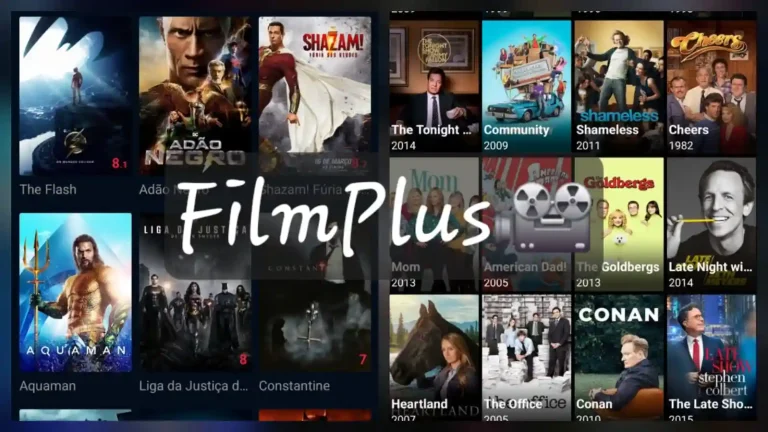
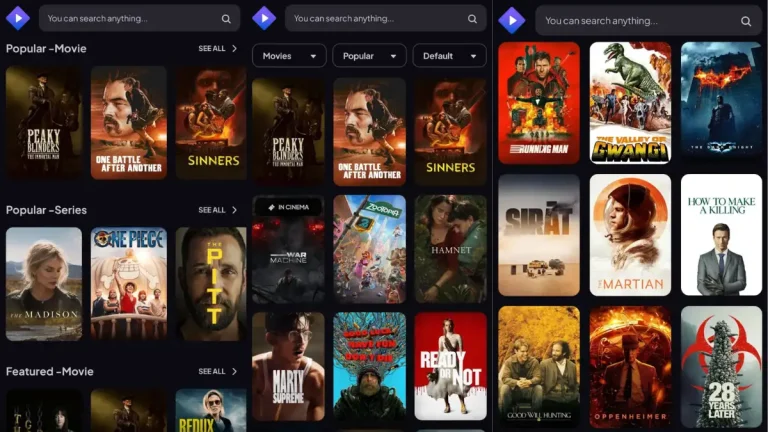
BeeTV is one of the most reliable free streaming apps available right now. It pulls links from across the web so you can watch movies and TV shows on demand — no subscription, no account, no monthly fee. Whether you are on an Android phone, an Android TV box, or a Firestick, BeeTV runs cleanly and gives you a genuinely usable streaming experience.
BeeTV APK is a free, third-party streaming application for Android devices, Firestick, and Android TV. It aggregates movie and TV show links from external sources and lets you stream content directly without a subscription. The app does not host any content itself — it acts as a search and playback front-end. BeeTV is not available on the Google Play Store and must be sideloaded by enabling unknown sources on your device. The latest version is v4.6, with a file size of 16 MB.
Disclaimer: BeeTV is a third-party sideloaded application. Sideloading requires enabling unknown sources on your device. Use responsibly and ensure your local laws permit streaming from third-party sources.

BeeTV APK Details (Version, Size, Requirements)
| App Name | BeeTV |
|---|---|
| Latest Version | V4.6 |
| File Size | 16 MB |
| Platform | Android, Firestick, Android TV |
| iOS Support | Not available |
| Minimum Android | Android 5.0 (Lollipop) and above |
| Cost | Free |
| Play Store | Not listed — sideload only |
| Downloader App Code (Firestick) | 82614 |
| File Link Code | 30837432 |
Why BeeTV Still Works in 2026
BeeTV is a free streaming APK that works by scraping and indexing links from third-party hosting sites. When you search for a movie or TV show, BeeTV queries multiple sources and returns available streams ranked by quality. You pick the one that works for you — HD, Full HD, or whatever is available at that moment.
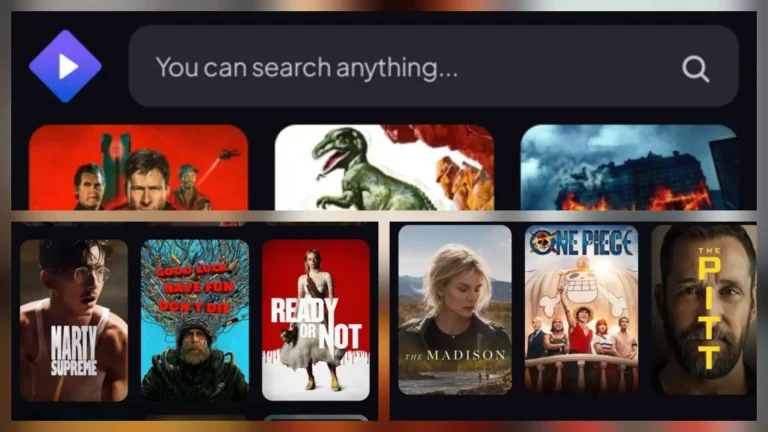
There is no login required and no account to create. You open the app, search for what you want, and start watching. It is that straightforward. The interface is clean enough that it does not get in the way, which is more than can be said for a lot of apps in this space.
BeeTV is compatible with external media players like MX Player and VLC, which is useful if you are having trouble with the built-in playback on certain devices. It also supports Real-Debrid integration for users who want faster, higher-quality links.
Because BeeTV is not on the Google Play Store, you install it by downloading the APK file and enabling unknown sources — a standard sideloading process that takes about two minutes. If you are on a Firestick, you use the Downloader app to fetch and install it directly on your TV.
Key Features of BeeTV APK
- Free to use with no subscription: BeeTV is completely free. There are no paywalls, no premium tiers, and no registration required.
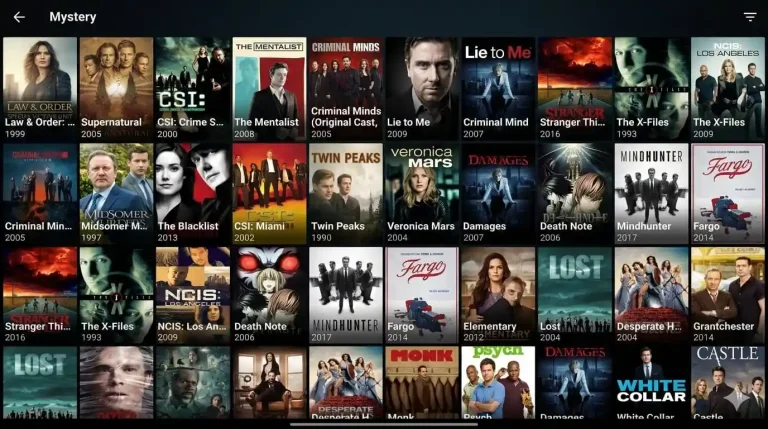
- Wide content library: Covers movies and TV shows across genres including action, drama, comedy, documentaries, and anime. Content updates regularly as new links are indexed.
- Multiple streaming sources: For each title, BeeTV pulls multiple link sources so if one stream is down or buffering, you switch to another with a single tap.
- HD and Full HD playback: Most popular titles are available in 720p and 1080p. Quality depends on available third-party sources but HD links are common.
- External player support: Integrates with MX Player and VLC for smoother playback, especially on older Android devices or Android TV boxes.
- Real-Debrid support: Connect your Real-Debrid account for premium-grade links with better speeds and reliability.
- Firestick and Android TV optimised: The layout adapts properly for TV screens and remote navigation — no awkward side-scrolling or tiny buttons.
Why BeeTV Is Worth Using Over Other Free Streaming Apps
There are dozens of free streaming APKs floating around but most of them are either outdated, ad-heavy, or broken half the time. BeeTV sits in a different category. The development team has kept it maintained and working across multiple Android versions, which is not something every app in this space can claim.
The multi-source approach is what makes BeeTV genuinely useful day-to-day. If you have used single-source streaming apps before, you know how frustrating it is when that one source goes down and you are stuck buffering. BeeTV gives you alternatives immediately — tap a different link and keep watching.
For Firestick users specifically, BeeTV is one of the better options available. It navigates well with a remote, the text is readable on a TV screen, and the Downloader app integration makes installation clean and simple. You do not need to transfer files from a phone or mess around with ADB.
On Android phones and tablets, the experience is similarly solid. The app does not drain battery aggressively and it does not bombard you with pop-up ads the way some competing apps do.
If you are coming from Cinema APK or Nova TV, BeeTV is worth having alongside them. Different apps index different sources, so having more than one means more working links overall.
Download BeeTV APK – Latest Version (Free)
The download below is the latest official BeeTV APK build. No modifications, no bundled adware — just the original app file.
- Version: V4.6
- File Size: 16 MB
- Compatible With: Android 5.0+, Firestick, Android TV
- Cost: Free
How to Install BeeTV (Quick Steps)
Installing BeeTV takes around two minutes. You need to enable unknown sources in your Android or Firestick settings, then open the downloaded APK file to install it. The process is the same whether you are on a phone, tablet, or TV box.
BeeTV Not Working? Quick Fixes
If BeeTV is showing no stream links, buffering constantly, or crashing on launch, there are straightforward fixes for each of these. Most issues come down to source availability, app cache, or a version mismatch on your device.
BeeTV FAQs
Is BeeTV APK safe to download?
BeeTV APK is generally considered safe when downloaded from a trusted source. Like all sideloaded apps, it is not available on the Google Play Store, so you need to enable installation from unknown sources on your device. Always download from a reputable site to avoid modified or malicious versions.
Does BeeTV work on Firestick?
Yes. BeeTV works on all Amazon Firestick and Fire TV devices. You can install it using the Downloader app (code: 82614) directly from your Firestick without needing a PC.
Can I install BeeTV on iOS?
BeeTV APK is an Android-only application. There is no official iOS version available. iPhone and iPad users cannot install APK files natively.
What is the Downloader app code for BeeTV?
The Downloader app code for BeeTV on Firestick is 82614. Enter this code inside the Downloader app on your Fire TV device to fetch the APK directly.
Is there a BeeTV MOD APK with no ads?
Some third-party sites offer a BeeTV MOD APK with ads removed. However, modified APKs carry additional risk since they are altered from the original build. Use them at your own discretion and only download from sources you trust.
Can I get an older version of BeeTV APK?
Yes, BeeTV APK old versions are available on APK archive sites. Older versions can be useful if the latest update causes compatibility issues on your specific device.
Final Verdict on BeeTV APK
BeeTV is a well-maintained free streaming APK that works reliably across Android phones, Android TV devices, and Firestick. The multi-source link system, clean interface, and Real-Debrid support put it ahead of most apps in the same category. It is not perfect — no third-party streaming app is — but it is one of the more consistent options available right now.
If you are setting up a streaming device for the first time or looking for a Cinema APK or Nova TV alternative that actually works, BeeTV is a solid starting point.
Download the latest version above, follow the install guide, and you will be watching within a few minutes.