Stremio APK — Download, Install & Set Up on Any Android Device
Stremio pulls content from community-built addons and presents everything in a clean, unified interface. Whether you’re installing on a phone, an Android TV box, a Firestick 4K, or a Google TV device, this guide covers the full process: download, sideloading, addon setup, and error fixes.
Quick Fix — Stremio Not Working
- No streams found → Install & configure Torrentio addon
- Buffering issues → Use Real-Debrid or lower stream quality
- Playback error → Switch to MX Player or VLC
- App not installing → Re-download correct ARM/ARM64 APK
- Login stuck → Clear cache and restart app
What Is Stremio?

Stremio APK is a free, legal media centre app for Android that aggregates movies, TV shows, and live content through a powerful addon system. The official APK is available directly from Stremio’s website and installs cleanly on Android phones, Android TV, Google TV, and sideloaded devices like the Firestick 4K. To unlock its full potential, users pair it with addons like Torrentio and a Real-Debrid account, which dramatically improves stream availability and quality. The app supports ARM64 and standard ARM architectures, so it runs across virtually all modern Android hardware. It is generally considered safe when downloaded from the official source or a reputable APK mirror.
Stremio describes itself as a “one-stop hub for video content.” That’s an accurate summary — but it undersells how extensible it actually is. At its core, the app is a frontend that connects to addons. Those addons can be anything: an official streaming catalogue, a personal media server, a public torrent indexer, or a curated list from the community. Stremio itself doesn’t host any content; it organises and plays whatever its addons surface.
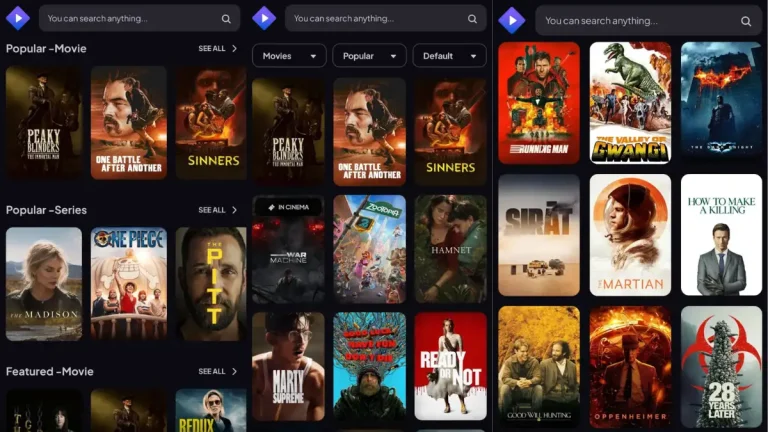
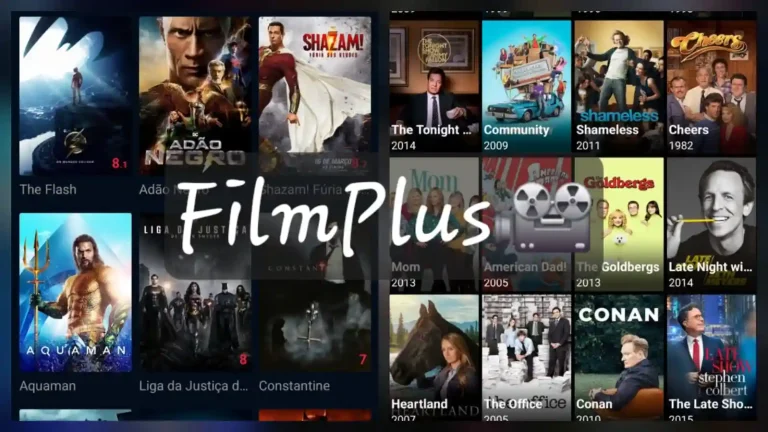
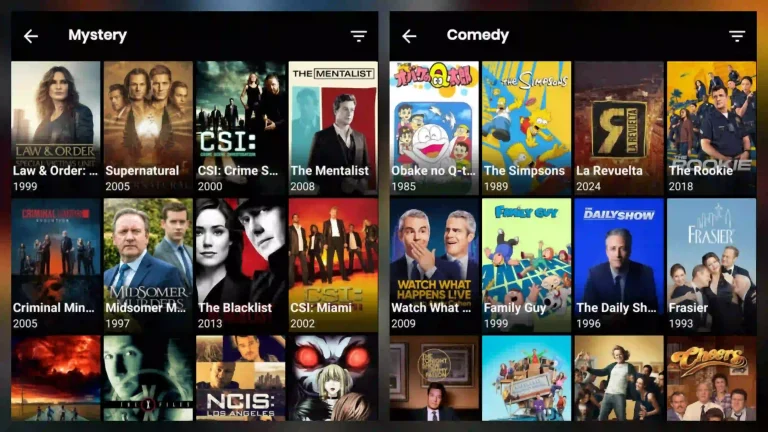
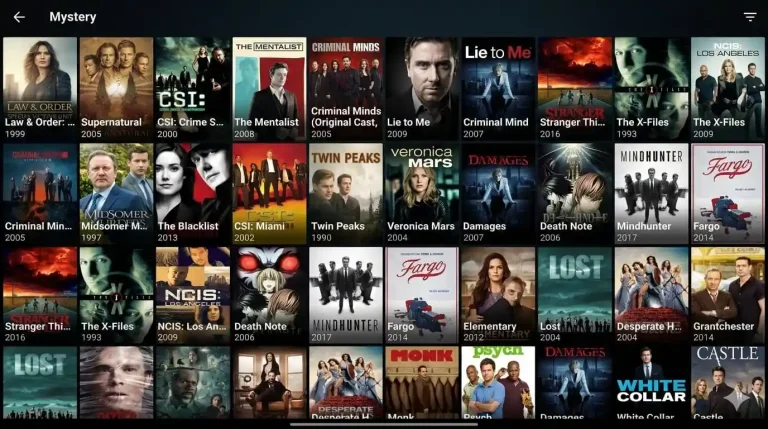
The interface is polished by APK standards. You get a proper library view, watchlists synced to your account, Trakt.tv integration for tracking what you’ve watched, and OpenSubtitles built in for automatic subtitles. It feels more like a Netflix-style app than a file manager — which is exactly why it’s become a go-to alternative for people who’ve moved away from Kodi.
- Developer Smart Code Ltd (Stremio)
- Latest Stable Version 1.6.13 (mobile) / check official site for TV build
- Package Name com.stremio.one
- Compatible With Android 5.0+, Android TV, Google TV, Firestick (sideloaded)
- Architecture ARM, ARM64 (separate APKs available)
- File Size 173 MB depending on build
- Price Free (optional Real-Debrid subscription for premium streams)
- Official Site stremio.com
Key Features Worth Knowing About
- Addon ecosystem: Install community addons directly from a catalogue inside the app — no file management required. Torrentio alone gives access to an enormous torrent index filtered by quality, seeders, and Real-Debrid availability.
- Real-Debrid integration: Connect a Real-Debrid account through Torrentio’s settings and streams are served from cached, high-speed servers rather than peer-to-peer sources. Buffering drops significantly.
- Trakt.tv sync: Your watchlist and watch history sync automatically if you connect Trakt inside Stremio settings. Switch devices and your progress follows you.
- OpenSubtitles support: Subtitles load automatically for most content. You can switch languages, adjust timing, and search manually if the auto-match misses.
- Multi-device library: One account works across your phone, TV box, and any desktop client. Everything syncs — watchlist, settings, installed addons.
- Android TV / Google TV optimised build: The TV APK is a separate, remote-friendly build — not just a scaled-up phone interface. Proper D-pad navigation, large poster grid, no touch requirement.
- External player support: Route playback through MX Player, VLC, or any preferred player if the built-in player doesn’t suit you. Useful on devices where hardware decoding varies.
Why Stremio Beats Most Alternatives
People comparing Stremio vs Kodi often assume Kodi is the more powerful option because it’s been around longer. In practice, Stremio has caught up in content reach while being dramatically easier to set up. There’s no repository hunting, no XML skin editing, no broken dependencies after updates. The addon system is sandboxed — an addon can’t break the core app. That stability matters on devices like a Firestick 4K where resetting a broken media centre is genuinely painful.
Against newer alternatives like Syncler or Weyd, Stremio holds its own through the quality of its ecosystem. Torrentio is arguably the best stream aggregator currently available for any platform, and it’s a Stremio-native addon. Real-Debrid support through Torrentio means you’re accessing the same cached content that premium services use — without the premium content licensing. The combination makes Stremio a serious choice for anyone who wants to replace a subscription stack rather than just supplement it.
For users who prefer a simpler, APK-based streaming setup without addons, apps like Cinema APK or BeeTV are still widely used as direct streaming alternatives.
It’s also worth being direct about what Stremio is: a legal app. How you use it depends on which addons you install. The app itself, and addons like Trakt or the official IMDB catalogue, are completely above board. Addons that index torrent sources operate in a grey area that varies by country. Know what you’re installing.
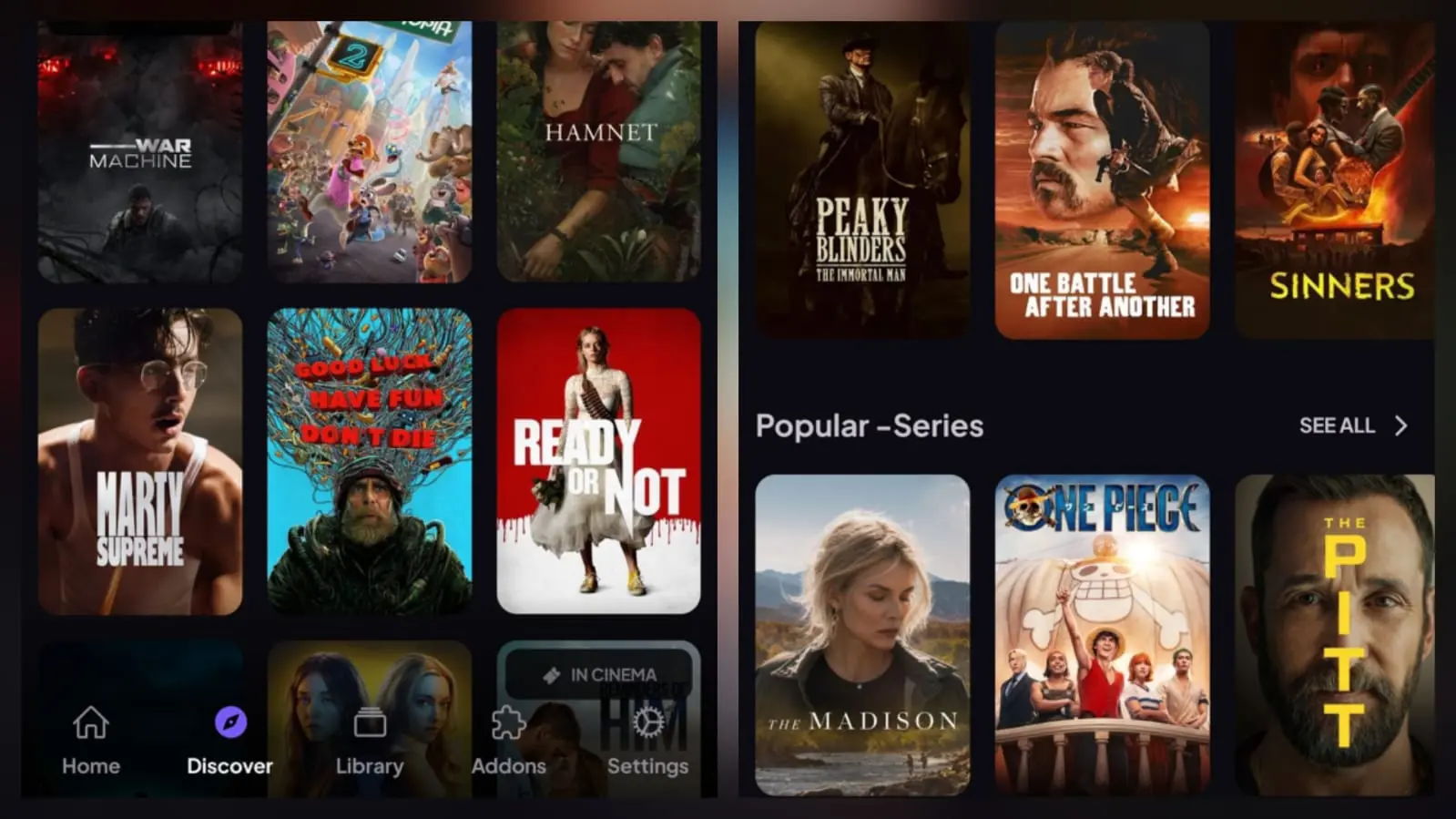
Download Stremio APK
Stremio offers official APK downloads from its own website — no third-party mirror required for the standard build. For Android phones and tablets, the mobile APK (currently version 1.6.13) installs directly. Android TV and Google TV users need the separate TV build, which has a different interface optimised for 10-foot viewing. Firestick users should grab the TV APK as well.
If you need the ARM64-specific APK — common on newer high-end Android TV boxes — the Stremio GitHub releases page lists architecture-split builds. Check your device specs before downloading to confirm whether you need the universal or ARM64 build. The universal APK works fine on most devices; the ARM64 version is leaner and performs slightly better on compatible hardware.
This version is provided as a verified mirror for convenience. The original APK is sourced from official Stremio releases (stremio.com / GitHub) and is not modified in any way. If you prefer, you can always download directly from the official website. Avoid unknown third-party APK sites that repackage or alter files.
Stremio.com · Android 5.0+ · ARM & ARM64 builds available
How to Install Stremio APK (Full Sideloading Guide)
Quick Answer: Turn on Unknown Sources, download the correct Stremio APK, and install it via Downloader or file manager on your device.
Stremio isn’t on the Google Play Store in all regions, and it’s not available at all on Amazon’s Appstore — so sideloading is the standard installation method. The process is straightforward but differs slightly depending on your device.
Android Phone or Tablet
- Open Settings → Apps (or Security on older Android versions) and enable Install Unknown Apps for your browser or file manager.
- Download the Stremio mobile APK from stremio.com directly in your browser.
- When the download completes, tap the notification to open the file. Your file manager will work too if the notification is dismissed.
- Tap Install on the Android install prompt. The app installs in a few seconds.
- Open Stremio, create an account or log in, and proceed to addon setup.
Android TV Box or Google TV Device
- On the TV device, go to Settings → Device Preferences → Security & Restrictions and toggle on Unknown Sources.
- Install the Downloader app from the TV’s app store — it’s the easiest way to sideload APKs without a mouse.
- Open Downloader and enter the direct APK URL for the Stremio TV build. You can find this on stremio.com’s download page.
- Downloader will fetch and install the APK automatically. Accept the install prompt when it appears.
- After installation, go back to your home screen and launch Stremio from the apps list.
Firestick 4K (and Fire TV Stick Devices)
- From the Firestick home screen, go to Settings → My Fire TV → Developer Options and enable Apps from Unknown Sources. On newer Fire OS versions this is under Install Unknown Apps per app.
- Search for and install the Downloader app from the Amazon Appstore — it’s free.
- Open Downloader, navigate to the URL field, and type the Stremio TV APK download link.
- Allow Downloader to install the file when prompted. The Stremio TV APK is the correct build for Firestick.
- After install, Stremio will appear in your apps. Pin it to the home screen for easy access: hold the select button on the app icon and choose Add to Home.
ARM64 APK — Which Devices Need It?
Most modern Android TV boxes (2022 and later) run ARM64 processors. The universal Stremio APK will install and run on these, but if you want the architecture-optimised build, check the Stremio GitHub releases page for the arm64-v8a variant. Older boxes on 32-bit ARM should use the standard APK. If you’re unsure, install the universal build — it detects the architecture automatically.
Setting Up Addons After Install
Without addons, Stremio shows mostly IMDB metadata with no actual streams. Here’s the minimum viable setup:
- Open Stremio and go to the Addons section (puzzle piece icon).
- Search for Torrentio and click Configure before installing — this is where you connect your Real-Debrid account if you have one. Set your preferred quality filters here.
- Install Torrentio. You now have access to a large torrent-sourced stream index.
- Optionally install OpenSubtitles addon for automatic subtitles, and connect Trakt.tv in Settings for watch history sync.
Stremio Not Working in 2026 (Complete Fix Guide)
Most Stremio issues come down to addons, network conditions, or device-specific quirks — not the core app itself. Here are the errors users hit most often, and what actually fixes them.
Stremio No Streams Found (Torrentio Fix)
Quick Fix: Install and configure Torrentio with Real-Debrid to restore streams.
Cause This almost always means Torrentio isn’t installed, or it’s installed but not configured correctly. The stock Stremio install has no torrent-sourced addons — if you haven’t added any content addons, there will be nothing to play.
Fix Go to Addons, find Torrentio, and click Configure. If you’re using Real-Debrid, paste your API key in the Torrentio configuration. Re-install the addon after configuring. If streams still don’t appear on specific titles, the content may simply not be indexed yet — try a different or more popular title to confirm the addon is working.
Stremio Buffering Fix on Firestick & Android TV
Quick Fix: Fix buffering instantly by enabling Real-Debrid in Torrentio settings or switching to 720p streams with high seeders.
Cause P2P streams over a slow connection buffer because the source peers aren’t fast enough. Without Real-Debrid, you’re relying entirely on whoever is currently seeding that torrent.
Fix The most effective fix is adding Real-Debrid. Configure it inside Torrentio and streams come from cached servers rather than live peers. If Real-Debrid isn’t an option, filter Torrentio to show only well-seeded sources (1000+ seeders minimum) and select lower quality streams. Also check your Firestick isn’t being throttled by your ISP — a VPN sometimes resolves this.
Stremio Won’t Log In / Login Stuck on Loading
Cause Usually a connectivity issue between the app and Stremio’s auth servers, or a cached session conflict on the device.
Fix Check your internet connection is active. Force close Stremio and reopen it. If it’s still stuck, go to Settings → Apps, find Stremio, and clear the cache (not data — clearing data logs you out). If the issue persists across multiple attempts, visit the Stremio official website and try logging in via browser to confirm your credentials are valid.
Stremio APK Won’t Install (“App Not Installed” or Parse Error)
Cause Either the APK file is corrupted from an incomplete download, you’ve downloaded the wrong architecture build for your device, or a conflicting version is already installed.
Fix Delete the downloaded APK and re-download it. Confirm your device architecture (ARM vs ARM64) and download the matching build. If a version of Stremio is already installed, uninstall it before installing the new APK — version conflicts cause install failures. On Android 9+, also verify that Install Unknown Apps is enabled specifically for the app you’re using to open the APK (browser or file manager).
Stremio Playback Error Fix (MX Player Solution)
Quick Fix: Set MX Player or VLC as the default player in Stremio to fix playback errors and unsupported video formats instantly.
Cause The internal player is failing to decode the stream format. This happens most on ARM-based TV boxes where hardware decoding support varies, and on Firestick where the built-in player has codec limitations.
Fix Go to Stremio Settings and change the default player to an external player — MX Player or VLC are the most reliable options on Android TV devices. MX Player with hardware decoding handles most codec combinations including H.265/HEVC. If you’re on Firestick, MX Player Pro handles 4K HDR streams better than the free version.
Stremio Not Working After Update
Cause A new APK version occasionally resets addon configurations or introduces a conflict with cached data from the previous version.
Fix After updating, go into the Addons section and re-configure Torrentio — check that your Real-Debrid key is still in place. If the app is crashing on launch after an update, clear the app cache from device settings. In rare cases, uninstalling and doing a clean reinstall of the updated APK resolves persistent post-update crashes.
Stremio “No Peers Available” or Very Few Stream Options
Cause Your ISP may be blocking or throttling BitTorrent traffic, which reduces the number of peers Torrentio can find. This is a network-level issue, not an app bug.
Fix The cleanest solution is Real-Debrid, which bypasses P2P entirely. If you want to stick with free streams, a VPN (ProtonVPN, Windscribe) will usually bypass ISP throttling. Make sure the VPN is connected before launching Stremio. On Android TV, set the VPN at the router level so it covers the TV device without needing a VPN app installed on the box itself.

Stremio APK — Frequently Asked Questions
Is the Stremio APK safe to download and install?
Stremio’s APK is generally considered safe when downloaded from the official source at stremio.com or the official GitHub releases page. The app has been publicly audited, is open-source in terms of its addon SDK, and has a large established user base. Avoid third-party APK hosting sites that repackage the file — there’s no reason to use them. As with any sideloaded app, enabling Unknown Sources temporarily and disabling it after install is good practice.
What’s the difference between the Stremio mobile APK and the Android TV APK?
The mobile APK is designed for touch interaction — portrait and landscape phone/tablet layouts, smaller poster grids, touch-first navigation. The Android TV APK is a completely separate build with D-pad navigation, a larger 10-foot UI, and a poster layout designed for TV display. If you’re installing on a Firestick 4K, Android TV box, or Google TV device, always use the TV APK. The mobile version will technically install on some TV devices but the experience is poor — small text, no remote navigation, and frequent input issues.
Do I need Real-Debrid to use Stremio?
No — Stremio and Torrentio work without Real-Debrid. You’ll still get streams from public torrent sources. The difference is reliability: free streams depend on whoever is currently seeding a given file, so quality and availability vary. Real-Debrid caches popular torrents on fast servers, so streams load instantly and rarely buffer. It costs roughly €3–4/month and is the most common upgrade for anyone using Stremio seriously. If you’re just testing the app, start without it and add it if buffering becomes a consistent problem.
How do I update Stremio APK on Android TV or Firestick?
Stremio doesn’t auto-update on sideloaded devices — there’s no Play Store or Appstore managing it. To update, download the latest TV APK from stremio.com and install it over the existing version. Android will recognise it as an update to the same package (com.stremio.one) and preserve your settings. You don’t need to uninstall first unless you’re experiencing post-update issues. Check the Stremio website or their official community forum occasionally to know when a new version drops.
Why is Torrentio not showing streams for some movies?
Torrentio relies on public torrent indexers. Niche, obscure, or very recent releases may have limited seeding and won’t appear until more copies are circulating. Very new cinema releases sometimes appear quickly; others take days. If Torrentio shows zero results for a title that should exist, try searching with a slightly different name or check that your Torrentio configuration hasn’t lost its Real-Debrid key. You can also try adding a second addon like Cinemeta or an alternative indexer to fill the gaps.
Can I use Stremio on multiple devices with one account?
Yes. One Stremio account syncs your watchlist, watch history (if Trakt is connected), and installed addons across all your devices. Log in on your phone, TV box, and desktop and everything stays in sync. Note that your Real-Debrid connection is configured inside Torrentio addon settings — you’ll need to re-enter the API key when setting up a new device, as that credential lives in the addon config, not the Stremio account itself.
Is Stremio legal?
Stremio the app is completely legal — it’s a media centre that connects to addons, similar to how a browser connects to websites. The legality of specific addons depends on what content they index and your local laws. Addons sourcing from official catalogues or your personal media library are unambiguously fine. Addons that index public torrent sources operate in a grey area in many jurisdictions. Stremio itself does not host, distribute, or control any content — legal responsibility for content access sits with the individual user and the addon source.
Final Thoughts
Stremio has earned its place as the most practical media centre for Android right now. The install process is straightforward once you know which APK to grab, the TV build works properly on Firestick and Android TV boxes, and the Torrentio + Real-Debrid combination genuinely delivers. It’s not perfect — the “No Streams Found” experience is a frustrating onboarding gap that better documentation would fix — but once you’re past the addon setup, it runs reliably.
If you’re coming from Kodi and burned out on maintaining it, or if you’re paying for multiple subscriptions and want an alternative, Stremio is worth the 20 minutes it takes to set up properly. Download the right APK for your device, configure Torrentio, and give Real-Debrid a trial month — you’ll know within an hour whether it works for you.
Bookmark this page. The errors section and addon setup steps stay current as Stremio updates, and we update the guide when significant changes hit.