FilmPlus APK — Download Latest Version, Install on Any Device & Fix Every Error
Free Android streaming app for HD movies and TV shows. Works on phones, Firestick, Android TV, and Smart TVs — no account required.
FilmPlus is a free streaming app that gives you HD movies and TV shows without a subscription or account. It works on Android phones, TV boxes, Firestick, and Smart TVs — and getting it running takes less than five minutes once you know the steps. This page covers everything: the latest APK download, sideloading guides for every major device, what the app actually does well, and fixes for the errors that come up in real use.
FilmPlus APK (also called Film Plus or Film+) is a free Android video player that aggregates HD movies and TV shows through a built-in content engine — no sign-up, no subscription, and no addon configuration required. The current stable release is v2.3.9r, compatible with Android 5.0 and above across phones, Android TV, Firestick, and sideloaded Smart TV devices. It includes subtitles, Chromecast support, offline downloads, and a multilingual interface, and sits in the same category as Cinema APK and Nova TV — with lower ad frequency and a cleaner UI. The APK is generally considered safe when downloaded from a reputable source and does not request unusual device permissions.
What Is FilmPlus? App Overview & Details
FilmPlus — written interchangeably as Film Plus, Film+ APK, or the FilmPlus video player — is a self-contained Android streaming app. Unlike addon-dependent players such as Stremio, FilmPlus has its own built-in stream engine. You open the app, search or browse by genre, pick a title, and it surfaces available stream links automatically. No external configuration, no Real-Debrid account, no addon setup. That simplicity is its core selling point.
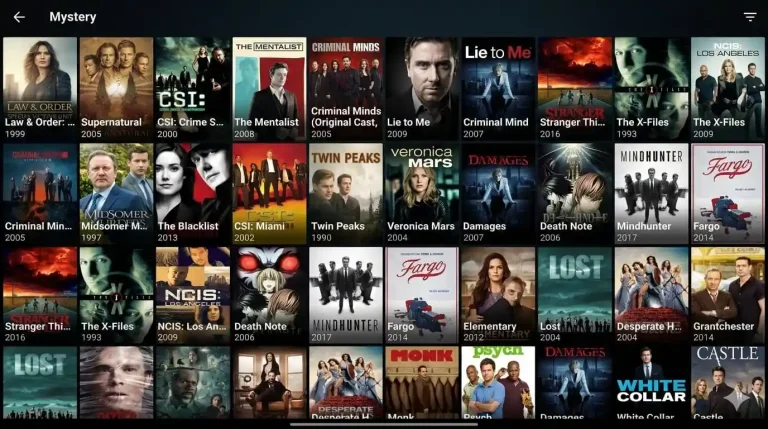
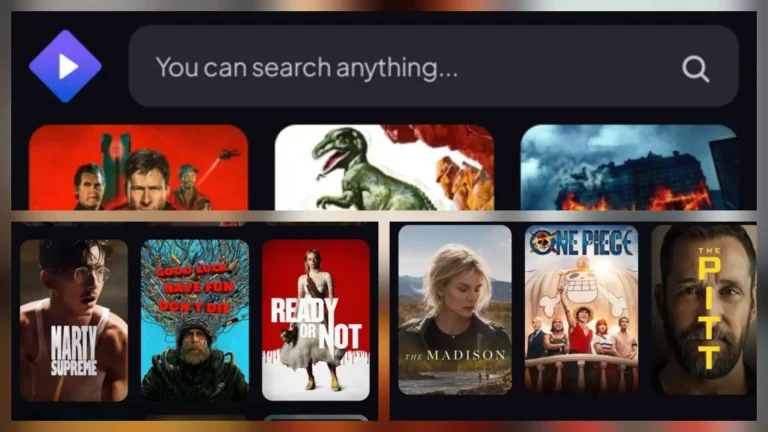
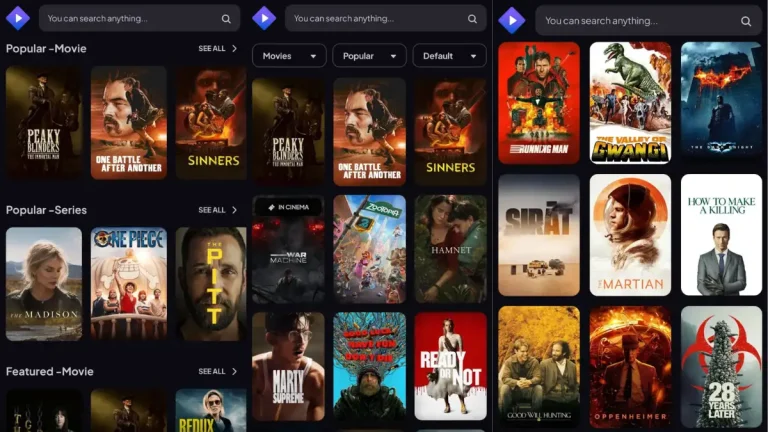
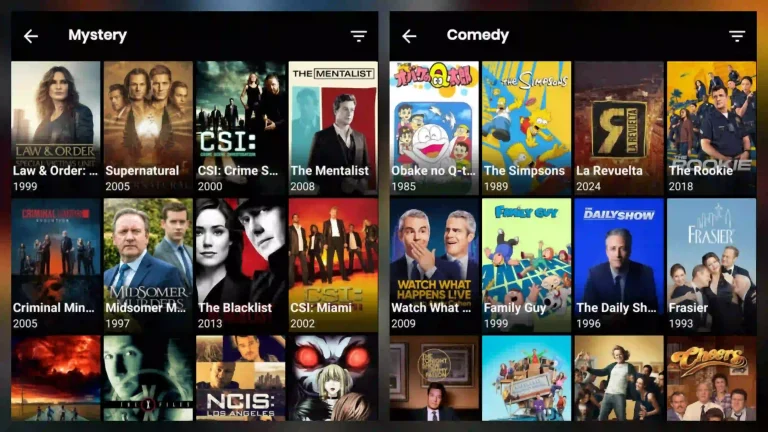
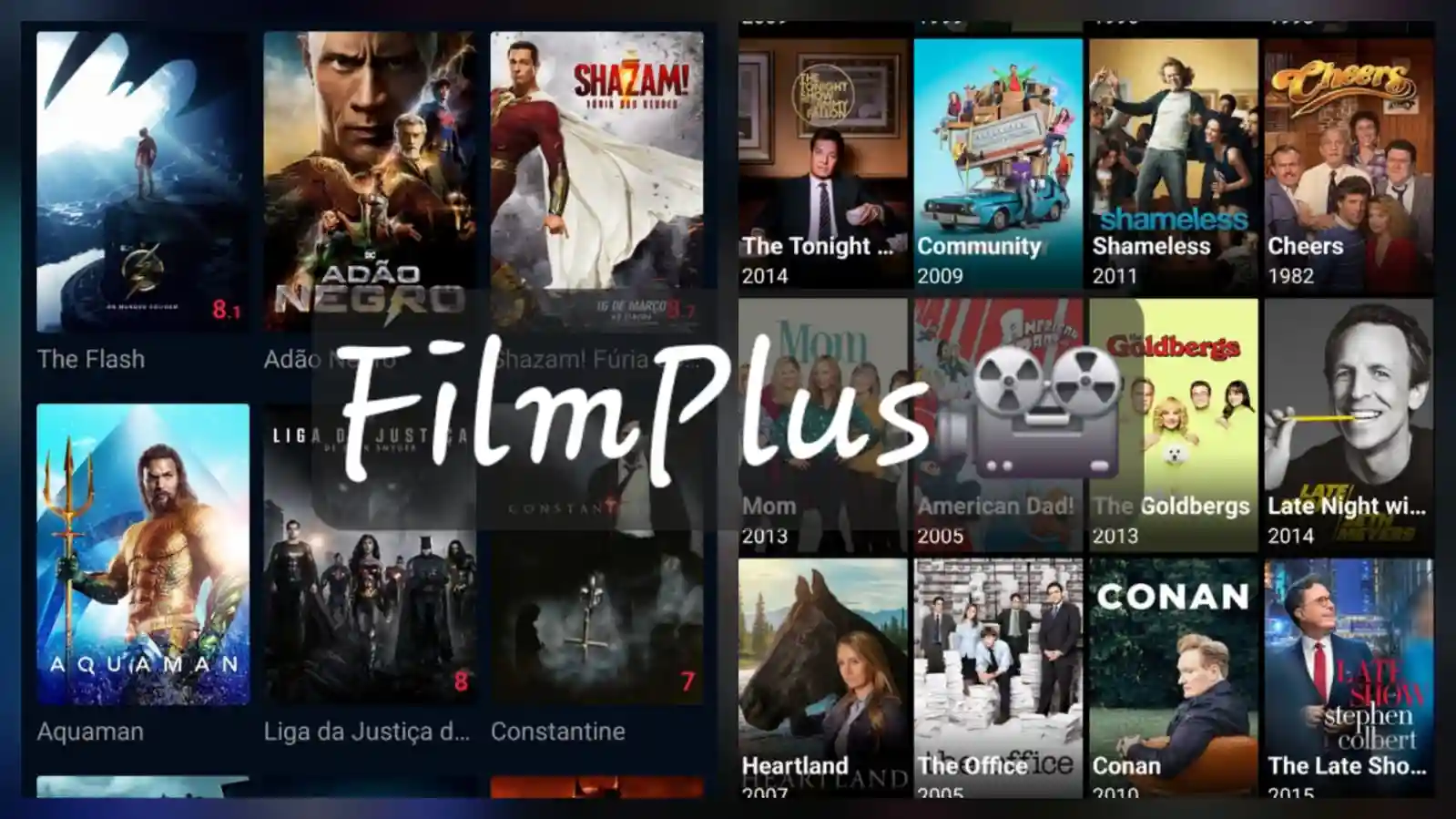
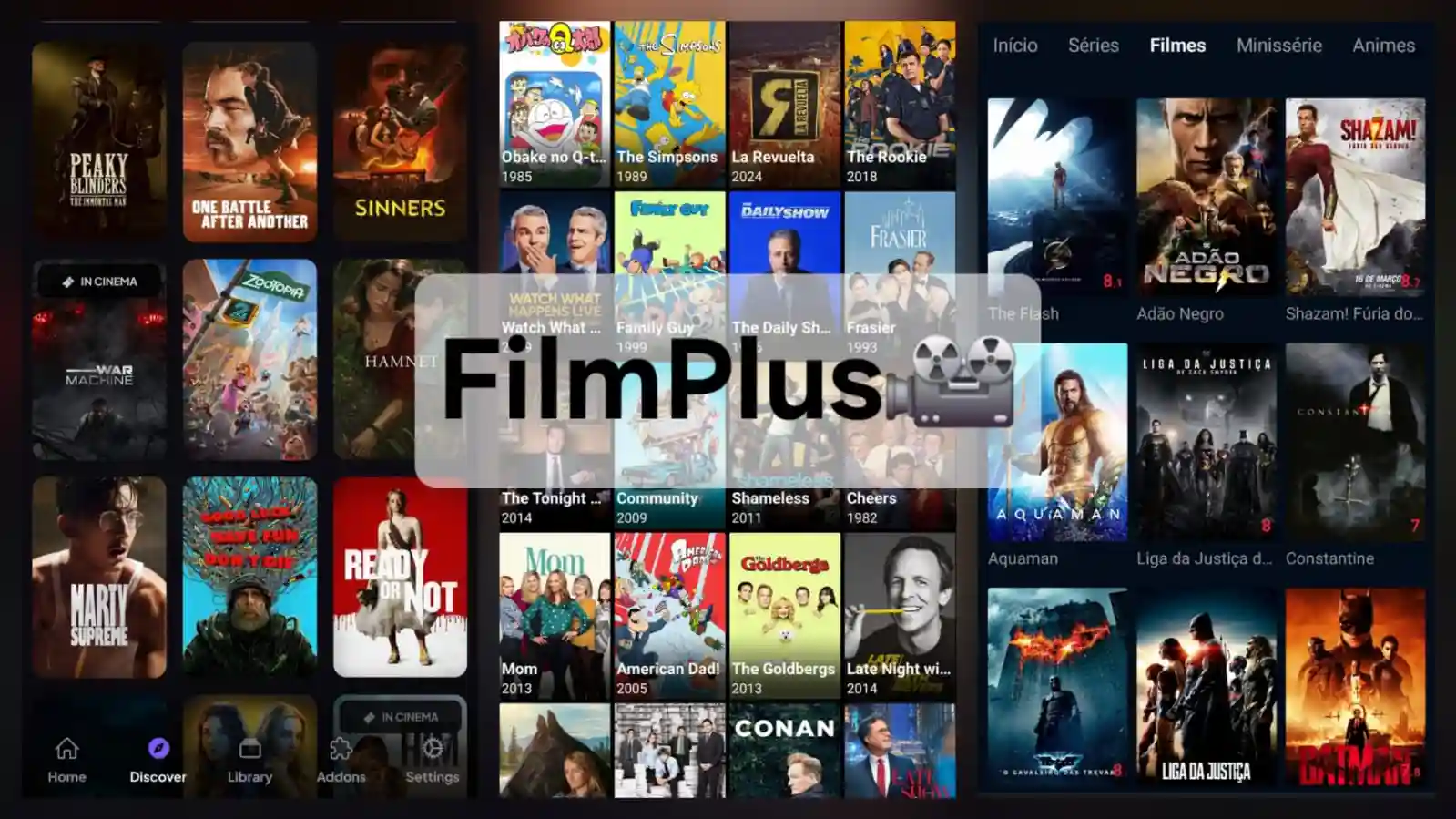
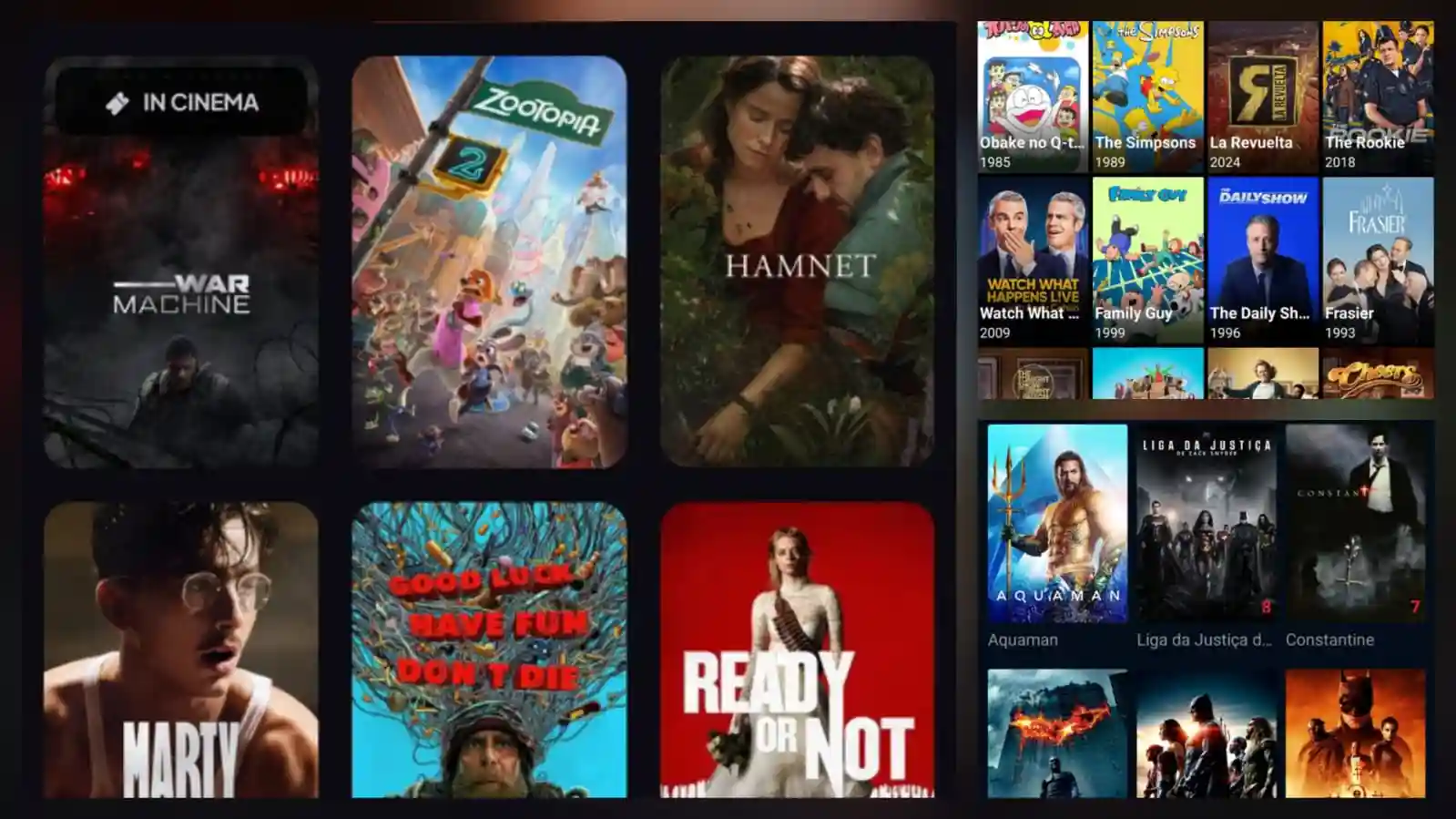
The interface is polished for a free APK. Content is organised into a poster grid with genre filters, trending sections, and a search bar that handles both movie titles and actor names. TV show libraries come with proper season and episode navigation rather than flat file lists. The film plus player supports multiple stream quality options per title — you pick the quality before playback starts rather than hoping the default source is adequate.
FilmPlus does not have an official website in the traditional sense and is not on the Google Play Store. The APK is distributed through third-party hosting. This is standard for apps in this category — it does not indicate the app is unsafe, but it does mean you need to be deliberate about where you download from. The package name to verify before installing is com.filmplus.app.
App Details & Specifications
- App Name: FilmPlus / Film Plus / Film+
- Latest Version: v2.3.9r (verify at download — updates release periodically)
- Previous Stable: v2.3.4r
- Package Name: com.filmplus.app
- Android Requirement: Android 5.0 (Lollipop) and above
- Compatible Devices: Android phones, Android TV, Google TV, Firestick (all models), Smart TV via sideload
- File Size: ~15–25 MB
- Sign-up Required: No
- Price: Free
- iOS: Not available
- PC / Windows: Via Android emulator only
Key Features — What It Actually Does Well
- No account, no sign-up: Launch the app and start watching immediately. No email address, no password, no subscription tier to navigate. This alone separates FilmPlus from apps that gate features behind registration.
- HD and 4K movies & TV shows: FilmPlus surfaces multiple quality options per title — 480p, 720p, 1080p, and 4K where available. You choose the quality before playback starts, which avoids the common APK frustration of auto-selecting a poor source.
- Subtitle support: Subtitles load automatically for most content. Manual language selection and subtitle sync adjustment are built into the player. Useful for international content and for streams where the auto-loaded track drifts out of sync.
- Chromecast support: Cast directly from the FilmPlus app to any Chromecast-enabled display. No additional setup needed if Chromecast is already configured on your network. Works cleanly from Android phones — less reliable from some Android TV builds.
- Offline download: Where available, FilmPlus lets you download content for offline playback. Not every title has a downloadable source, but the feature is genuinely present — not just listed in marketing copy and missing in practice.
- Multilingual UI: The entire app interface can be switched to multiple languages — not just subtitle language selection. This is an unusual feature for free streaming APKs and makes FilmPlus significantly more accessible to non-English speakers.
- Ad-light experience: FilmPlus is not fully ad-free, but the ad frequency is lower than most competing apps. Pre-roll ads appear on some streams but are not pervasive. Compared to TeaTV or older Cinema HD builds, the experience is noticeably cleaner.
- External player support: Route playback to MX Player, VLC, or any installed video app. Strongly recommended on Android TV boxes and Firestick where the built-in player may struggle with certain codecs or 4K HDR streams.
FilmPlus vs the Competition — Is It Worth Using?
The honest answer is yes, for the right use case. FilmPlus sits in a crowded category — Cinema APK, Nova TV, HdoBox, TeaTV, and Stremio all compete for the same audience. Here is where FilmPlus actually stands out.
FilmPlus vs Cinema HD: Cinema APK has the longer track record and a larger community following on Reddit and forums. FilmPlus wins on interface quality and multilingual support. If you have non-English speakers in the household, FilmPlus is the better choice. If you want the most community-tested optionhas the edge on documentation and community troubleshooting.
FilmPlus vs Stremio: These apps serve different users. Stremio is an addon platform — more powerful and customisable, but requires setup time and ideally a Real-Debrid subscription to work reliably. FilmPlus is self-contained and works immediately. For casual viewers who don’t want to configure anything, FilmPlus is the better starting point. For power users who want fine-grained control over stream sources, Stremio wins.
FilmPlus vs HdoBox and TeaTV: FilmPlus runs leaner, installs smaller, and performs better on budget hardware — older Firestick models and 2GB RAM Android boxes in particular. If you’re on a device where resource-heavy apps stutter, FilmPlus is worth trying first. TeaTV has more aggressive ads; HdoBox is reliable but slightly behind on update frequency compared to the current FilmPlus release cycle.
The broader category reality: all of these apps stream from unlicensed sources. FilmPlus is legal as software — the legal grey area comes from the content it provides access to, and that depends on your country’s copyright laws around streaming. The app itself contains no malware and does not exfiltrate personal data, but users should understand what they’re installing.
Download FilmPlus APK — Latest Version
The current stable release is FilmPlus APK v2.3.9r. This is the version to download for the best stream compatibility and fewest bugs. The previous version, v2.3.4r, is available from APK archive sites if you need it — but there is no reason to run an older version unless a specific update introduced an issue on your device.
FilmPlus does not have a single official download page, but the APK is widely available from reputable third-party APK hosts. When downloading, verify two things: the file size should be in the 15–25 MB range (files significantly larger may have been repackaged with adware), and the package name should confirm as com.filmplus.app before you install. Most APK hosting sites display this information on the download page.
The FilmPlus APK is generally considered safe when sourced from a reputable host. It requests only standard permissions: network access for streaming and storage access for downloads. If an install prompt asks for overlay permissions, accessibility access, or SMS permissions, stop — the file has been modified and is not the genuine FilmPlus APK.
FilmPlus APK v2.3.9r
Want to compare before committing? See our full guides for Cinema APK, Nova TV, and Stremio APK.
How to Install FilmPlus — Step-by-Step for Every Device
FilmPlus installs via sideloading on all Android-based devices. The core process is identical — enable unknown sources, download the APK, install it — but the menu paths differ by device. Follow the section for your hardware.
Install on Android Phone or Tablet
- Open Settings → Apps → Special App Access → Install Unknown Apps. On Android 7 and below, this is a single toggle at Settings → Security → Unknown Sources.
- Select your browser (Chrome, Firefox, etc.) and enable Allow from this source.
- Download the FilmPlus APK using your browser. The file saves to your Downloads folder automatically.
- Open your file manager or tap the browser download notification. Locate the APK and tap it.
- Tap Install on the Android system prompt. The film plus app installs in seconds.
- Open FilmPlus from your app drawer. No setup required — browse and watch immediately.
Install on Android TV or Google TV
- Go to Settings → Device Preferences → Security & Restrictions and enable Unknown Sources.
- From your TV’s app store, install the Downloader app by AFTVnews — free, remote-friendly, and the standard tool for TV APK sideloading.
- Open Downloader, navigate to the URL input field, and type the FilmPlus APK direct download URL.
- Downloader fetches the file and triggers the install prompt automatically. Select Install.
- Select Done after install (not Open) — this keeps you inside Downloader so you can delete the APK file and free storage.
- FilmPlus appears in your apps list. On Android TV home screens, long-press the icon and select Add to favourites to pin it to the top row.
Install on Firestick (4K, Lite, and All Fire TV Models)
- From the Firestick home screen: Settings → My Fire TV → Developer Options → Apps from Unknown Sources. Enable it. On newer Fire OS, the setting is under Install Unknown Apps — enable it specifically for the Downloader app.
- Return to the home screen. Search for Downloader in the Amazon Appstore and install it (free).
- Open Downloader and enter the FilmPlus APK download URL in the URL bar. Use the on-screen keyboard or a paired Bluetooth keyboard.
- Downloader downloads the file and displays the install prompt automatically. Tap Install.
- Tap Done after installation. Use Downloader’s built-in file manager to delete the APK and recover storage space.
- Find FilmPlus under Your Apps & Channels → See All. Long-press and select Move to Front to add it to the Firestick home row.
Install on Smart TV
Smart TVs running Android TV (Sony Bravia, Philips, some Hisense and TCL models) can sideload FilmPlus using the Android TV steps above. Samsung Tizen and LG webOS televisions do not run Android and cannot install APK files at all. For non-Android Smart TVs, the practical solution is plugging in a Firestick or Android TV stick via HDMI — this gives you a full Android environment on any screen without replacing the TV.
FilmPlus APK for PC and Windows
There is no native FilmPlus Windows or Mac application. To run FilmPlus on PC, install an Android emulator first. BlueStacks 5 and LDPlayer 9 are the most reliable options for media apps on Windows. Once the emulator is running, sideload the FilmPlus APK through the emulator’s built-in APK install function. On a machine with 8GB+ RAM, it runs smoothly at 1080p. Lower-spec machines may struggle with 4K streams via emulation.
Does It Work on iPhone?
No. FilmPlus is Android-only. APK files are Android packages and cannot be installed on iOS devices regardless of the workaround. There is no official FilmPlus iPhone app, no TestFlight version, and no legitimate sideload method for iOS. If you need a streaming alternative for iPhone, that category uses a different set of apps entirely — outside the scope of this guide.
APP Not Working? Every Common Error Fixed
Most FilmPlus issues resolve quickly once you know what’s actually causing them. The majority come down to stream source availability, a stale app version, or a device-side permission or cache problem. Here is every error users regularly encounter, with what actually fixes each one.
Error 1: “No Streams Available” — Nothing Loads
Cause: FilmPlus fetches stream links in real time from external sources. If those sources have changed their URL structure or gone offline, the app returns empty results. This is also the symptom of running an outdated app version whose scraper no longer matches current source formats.
Fix: Check if the problem is universal or title-specific. If every title shows no streams, your FilmPlus version is almost certainly outdated — download and install v2.3.9r (the latest). If the issue is limited to specific titles, those streams may simply not be available right now. Clear the app cache (Settings → Apps → FilmPlus → Storage → Clear Cache), restart the app, and try again. Also confirm your internet connection is active — FilmPlus cannot load stream links without a live connection.
Error 2: Buffering Issue During Playback
Cause: The selected stream source is slow or under load. Free streaming APKs rely on third-party servers with no guaranteed throughput, and peak-time traffic makes buffering worse. On Firestick, background apps consuming RAM also contribute.
Fix: Go back to the stream selection screen and pick a different source or drop the quality to 720p. On Firestick, clear background apps before launching FilmPlus: hold the Home button, open the App Switcher, and close everything else. If buffering is consistent across sources and time of day, test your internet speed — FilmPlus needs a stable 10 Mbps+ connection for 1080p playback. If your ISP throttles streaming traffic, connecting a VPN before opening FilmPlus often resolves it.
Error 3: APK Crashing or Keeps Stopping
Cause: App crashes after install usually indicate a corrupt APK download, a conflict with a previously installed version, or insufficient device RAM. On older Android versions (5.x, 6.x), incompatibilities with specific APK builds also cause crashes.
Fix: Go to Settings → Apps → FilmPlus → Storage and clear both Cache and Data. Relaunch the app. If crashes continue, uninstall FilmPlus completely, download a fresh copy of the APK, and reinstall from scratch. Verify the APK file size is in the 15–25 MB range before installing — a file outside this range may be corrupt or repackaged. On low-RAM devices (1–2 GB), close all other apps before launching FilmPlus to free up memory.
Error 4: FilmPlus Black Screen on Launch or During Playback
Cause: A black screen on launch typically means the app’s video renderer failed to initialise — common on Android TV boxes where the default video output configuration conflicts with the built-in player. A black screen during playback usually means the stream is loading but the built-in player can’t decode the codec.
Fix: For black screen on launch, go to Settings → Apps → FilmPlus → Clear Cache and relaunch. If that doesn’t work, check that your Android TV box display settings match your TV’s native resolution — a mismatch sometimes triggers black screen on video app launch. For black screen during playback, switch to an external player: in FilmPlus settings, change the default player to MX Player or VLC. MX Player with hardware decoding handles the widest range of codecs and resolves most playback black screen issues on Android TV hardware.
Error 5: Install Error — “App Not Installed”
Cause: Android returns this error when the APK file is corrupt, when the file’s signature conflicts with a version already on the device, or when Unknown Sources is not properly enabled for the app doing the installation.
Fix: Delete the downloaded APK and download it again from scratch — partial downloads cause this frequently. Uninstall any existing FilmPlus version before reinstalling to eliminate signature conflicts. Double-check that Unknown Sources (or Install Unknown Apps) is enabled for the specific browser or file manager you are using to open the APK, not just enabled globally. On Android 8+, the permission is app-specific — enabling it for one app doesn’t enable it for others.
Error 6: Update Not Installing
Cause: Updating a sideloaded APK fails when the new APK’s signing certificate doesn’t match the installed version — this happens when a different source distributed a modified build. It also fails if the existing install is corrupt.
Fix: Uninstall the current FilmPlus version completely before installing the update. You will lose saved preferences but this is the cleanest path — there is no over-the-top update path for sideloaded apps the way Play Store updates work. After uninstalling, install the latest APK fresh. If you want to preserve settings, try installing the update over the existing version first; only uninstall if that fails with a certificate mismatch error.
Error 7: Working or Not — How to Tell If the App Is Down
Cause: FilmPlus doesn’t have a public status page. When streams disappear across multiple titles simultaneously, users often can’t tell whether it’s a server-side issue, a version problem, or their own connection.
Fix: The quickest diagnostic: open Cinema APK or Nova TV and check if streams load there. If other streaming APKs work fine, the issue is FilmPlus-specific — likely an outdated version or a cache problem. If nothing loads across multiple apps, it’s your connection or a broader network issue. Check the FilmPlus subreddit (search “filmplus apk reddit” for the current active community) for real-time reports from other users when you suspect a server-side outage.
Frequently Asked Questions
Is FilmPlus APK safe to download and install?
FilmPlus APK is generally considered safe when downloaded from a reputable third-party APK host. The app does not request unusual permissions — only network access for streaming and storage access for offline downloads. Before installing, verify the package name is com.filmplus.app and the file size is in the 15–25 MB range. If an install prompt requests overlay, accessibility, or SMS permissions, reject it — that is not the genuine FilmPlus APK. The app does not contain viruses or malware in its genuine form, but modified repackages from unverified sites can. Avoid random file-sharing hosts and stick to established APK repositories with visible scan results.
Is FilmPlus legal?
FilmPlus the application is legal software — it is an Android video player and content aggregator, not a piracy tool in itself. The legal question comes down to the content it provides access to. FilmPlus streams from unlicensed sources, and accessing copyrighted content through unlicensed streams may violate copyright law depending on your country. Some jurisdictions differentiate between streaming (grey area) and downloading (clearer violation). Using FilmPlus does not expose you to the same risk profile as distributing pirated content, but it is not the same as using a fully licensed streaming service. Understand your local laws before using the app.
How do I download the old version (v2.3.4r or earlier)?
Older FilmPlus versions including v2.3.4r and v2.3.3r are available from APK archive sites that maintain version histories — APKPure and APKMirror are the most commonly used for this. Search specifically for “filmplus apk old version” or the version number directly. The main reason to run an older version is if a recent update introduced a bug on your specific device. In most cases, the latest version (v2.3.9r) is the better choice — older builds have stream source compatibility issues as the sources they target change over time.
How do I update Film Plus APK?
FilmPlus does not auto-update — there is no Play Store managing it. To update, download the latest APK version from your chosen source and install it. Android will treat it as an update to the existing installation if the signing certificate matches, preserving your settings. If the install fails with a certificate error, uninstall the current version first, then install the new APK fresh. Check for new FilmPlus APK versions periodically — stream reliability improves with each update as the app adapts to source changes.
What is the best alternative to FilmPlus APK?
The closest direct alternatives are Cinema APK and Nova TV — both are self-contained streaming APKs with no sign-up required and similar content reach. For a more powerful but configuration-heavy option, Stremio with the Torrentio addon and Real-Debrid delivers significantly better stream quality and reliability. HdoBox is another viable FilmPlus alternative with a similar interface philosophy. The right choice depends on how much setup you’re willing to do — FilmPlus and Cinema APK are the lowest-friction entry points; Stremio is the ceiling for quality.
Does it work on Firestick?
Yes — FilmPlus works on all Firestick models including the Firestick 4K and Firestick Lite. It is not available in the Amazon Appstore, so it must be sideloaded using the Downloader app. Follow the Firestick install section above for the step-by-step process. Once installed, use MX Player as the external player for best 4K and HDR performance — the built-in FilmPlus player handles most content but can struggle with certain Firestick codec configurations at higher resolutions.
Does it have premium features or a paid version?
FilmPlus is entirely free. There is no paid tier, no premium subscription, and no in-app purchases. All features — including HD streaming, subtitles, Chromecast, offline downloads, and the multilingual interface — are available to every user without payment. The app’s revenue model relies on the pre-roll ads that appear on some streams. If the ad frequency is a problem, routing playback through MX Player often bypasses in-stream ads on affected sources.
Is FilmPlus APK Worth Installing in 2026?
FilmPlus earns its place at the top of the free streaming APK category through a combination of things most apps in this space get wrong: a clean interface, genuine multilingual support, a low ad load, and a development team that pushes updates often enough to keep stream sources working. It is not the most powerful option — Stremio with Real-Debrid beats it on stream quality — but it is the most accessible one. Install it, open it, watch something. No configuration required.
If FilmPlus stops working on your device, the fix is almost always one of three things: update to the latest APK, clear the app cache, or switch to an external player for playback. The errors section above covers every scenario in detail. For most users, the app runs without issues once it is correctly installed.
Bookmark this page. The download link stays current, the install guides cover every major device, and the error fixes are updated as new issues emerge across FilmPlus version releases. If you want to compare other streaming APKs before deciding, see the full guides for Cinema APK, Nova TV, and Stremio APK on StreamingAPKs.com.